
What is a tool?
A tool is a single HTML file: page, look and program all in one. Calculators, lists, timers, games, music tools – anything a web page can do that fits in one file.
Four ways to get tools
Tools get into the toolbox in four ways:
- Have it made Have a tool made as an HTML file, for example by an AI assistant, then share it with the toolbox or paste the code.
- Write it yourself The editor has highlighting, line numbers, search, seven templates (Empty, List, Counter, Calculator, Timer, Random, Converter), code snippets, a preview and 3, 5 or 10 earlier versions.
- Share Pick “Artefakt Toolbox” in the Android share menu, from Chrome, Files or a chat.
- File or download Choose one or more .html files from your device or paste code from the clipboard. Ready-made, checked tools are in the gallery to download.
Placed on the shelf
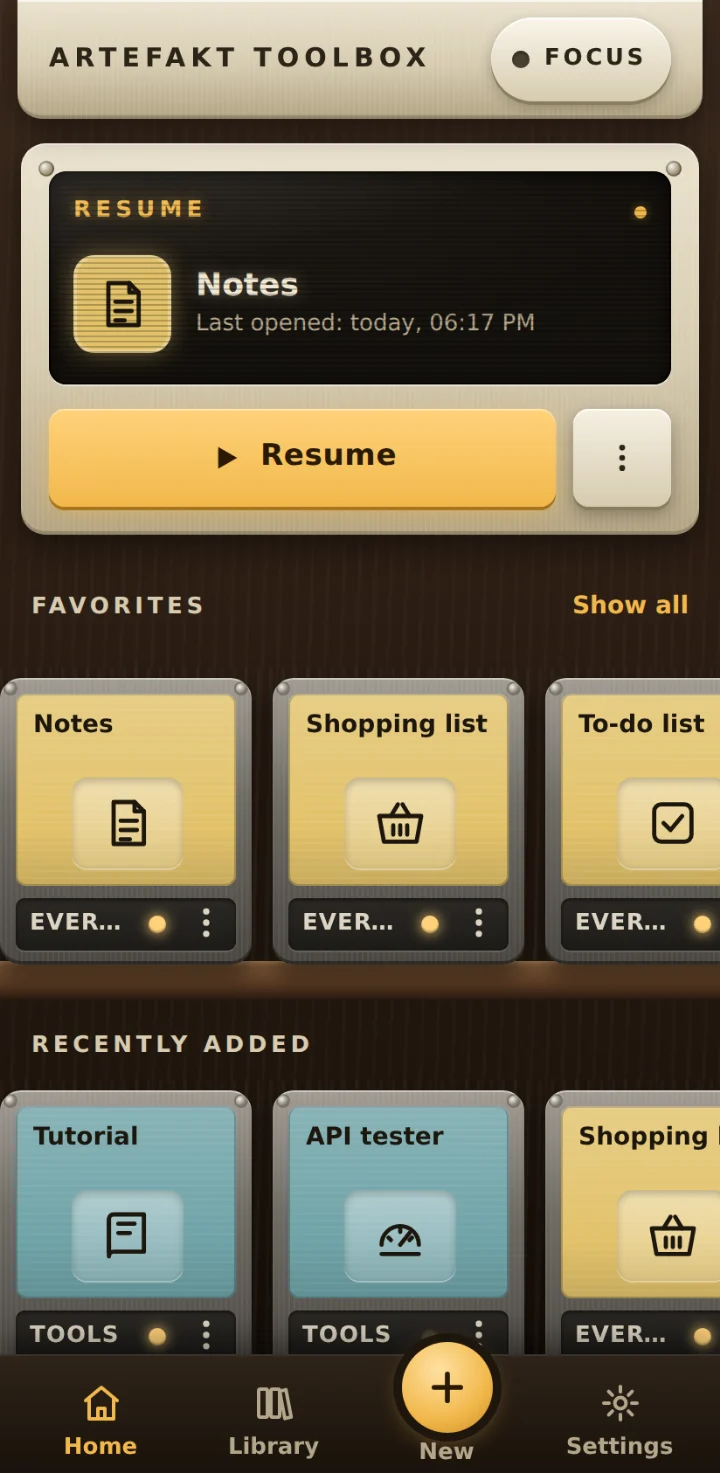
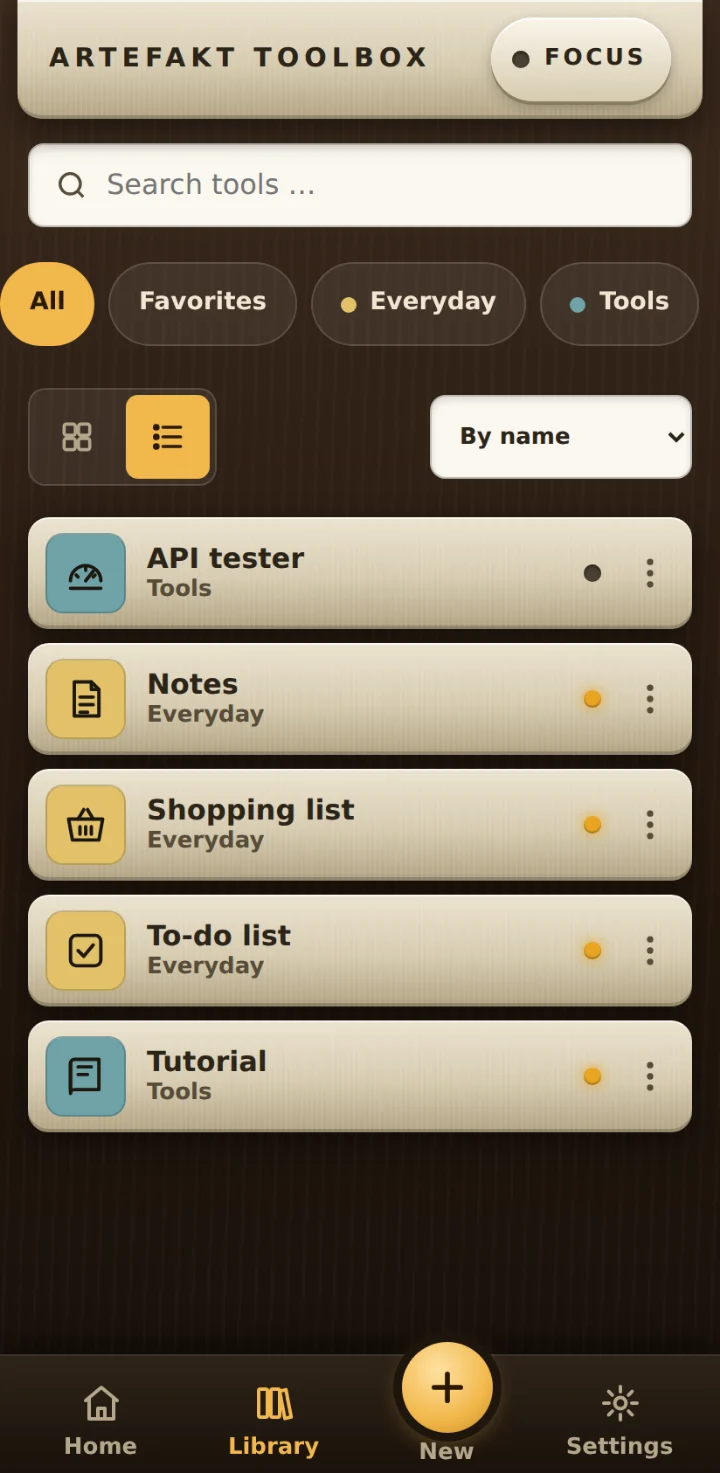
Every tool sits in your library as a cassette. You search (also via the magnifier in the navigation), filter by category and tags, mark favorites and give it an icon, color or your own photo. The toolbox recognizes identical files as duplicates, and the same name becomes a new version.
Start and use
One tap starts the tool in full screen, the back gesture returns you. Each tool’s data is kept, and the toolbox works without a connection (tools that need the internet themselves, of course, do not). Focus mode keeps the screen on and hides prompts. Tools such as music or a timer can keep running in the background. The toolbox shows errors in a tool, and “Change with AI” hands the tool and your wish back to the chat.
Pass on and back up
With ⋮ › Share you send a tool as an .html file through the Android share menu, optionally with your data as a starting point. A backup saves all tools with their data in one file that you import again on a new device.
What tools can do
Everything a web page can do, in one file:
Possible
- Anything a web page can do: input, calculation, sound and music, clipboard, vibration, full screen, sharing.
- Its own data per tool, kept after a restart.
- Microphone and camera, but only with your permission. A database of its own (IndexedDB) also runs isolated.
- Linking tools: a tool can send data to another one or open it if you allow that for exactly this pair.
Where the limits are
Limits
- A tool is exactly one file, projects made of several files do not work.
- Tools run isolated. With the extended permission (microphone, camera) they no longer do: allow it only for tools you trust. A tool only reaches other tools if you allow it.
- No accounts, no cloud sync, backups are made as a file.
- Android with Chrome only, Play Store version in preparation.
Artefakt Toolbox
Your tools, always at hand. Local. Private. No cloud.
Build the tools exactly the way you need them – calculators, 3D models, a timer, tidy-up helpers. Discover how much is possible, without installing a complete app every time and registering just to use one function. Artefakt Toolbox is a toolbox on your phone that launches your tools like an app. No account, no upload, works offline.Build tools exactly the way you need them – without installing an app or creating an account every time. The toolbox is your toolbox on your phone. No account, no upload, works offline.
Open the web app (opens in a new tab)How it works
Android · usable as a web app · Play Store version in preparation
Tool gallery
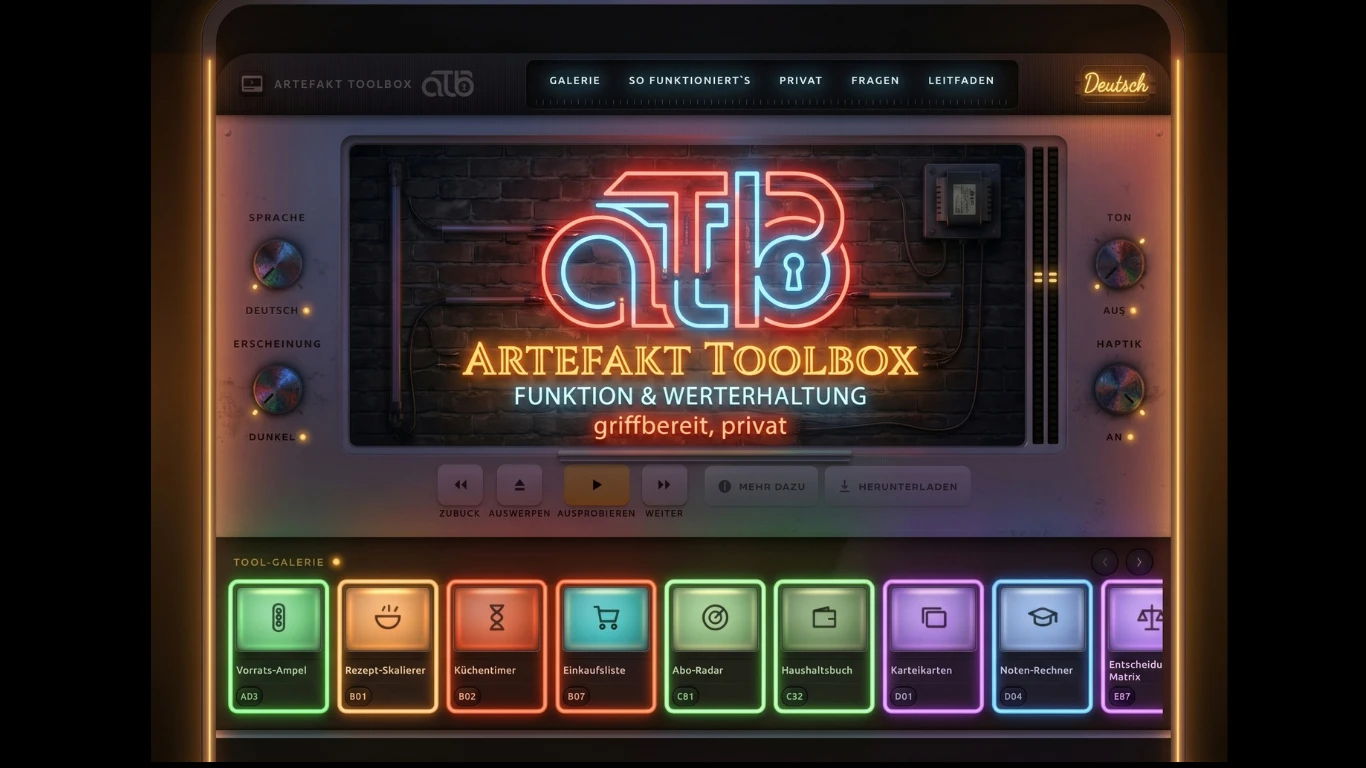
26 ready-made tools, checked and free. Tap a cover: it is loaded, and the display shows what the tool can do.
- Every tool is checked automatically and by hand before it is added.
- Every tool runs isolated in the toolbox, without extended rights.
- You only download. Nothing of yours is uploaded.
26 tools · English and German · free
Build the tools exactly the way you need them – calculators, 3D models, a timer, tidy-up helpers. Discover how much is possible, without installing a complete app every time and registering just to use one function. Artefakt Toolbox is a toolbox on your phone that launches your tools like an app. No account, no upload, works offline.
Tool gallery
26 ready-made tools, checked and free. Tap a cover: it is loaded, and the display shows what the tool can do.
- Every tool is checked automatically and by hand before it is added.
- Every tool runs isolated in the toolbox, without extended rights.
- You only download. Nothing of yours is uploaded.
26 tools · English and German · free
What a tool is – and how it gets into the toolbox
What makes the toolbox different
Your data stays with you
That is the promise of the toolbox – and you can verify it.
- Your own tools and their data are never uploaded.
- No account, no ads, no tracking in the app.
- Only one thing happens online: downloading. That applies to the app itself and, later, to tools from the gallery. Nothing of yours is transmitted.
- This website sets no cookies and uses no analytics services.
What the app looks like
The same shelf, on your phone. These pictures show the real app.
Frequently asked questions

Give it a try
Open the web app on your Android phone and add your first tool.
Open the web app (opens in a new tab)Understanding HTML tools